In Laravel, Auth refers to the authentication system provided by the framework. It offers a convenient way to handle user authentication, authorization, and user management in your web applications.
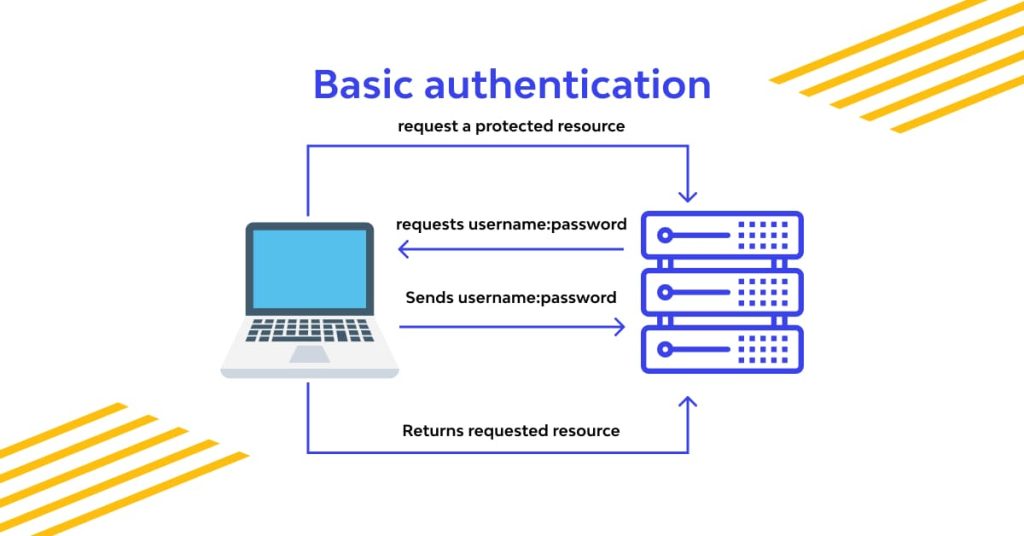
Here’s a basic overview of how to use Laravel’s Auth system:
- Configuration: Make sure that your Laravel application’s configuration is properly set up for authentication. This includes setting the database connection, configuring the user model, and specifying the authentication guard and provider settings.
- User Model: By default, Laravel uses the
App\Models\Usermodel for authentication. You can modify this model or create your own model that extends theIlluminate\Foundation\Auth\Userclass. The user model represents the user in your application and typically interacts with the user database table. - Registration: You need to create a registration form where users can sign up for an account. This form collects the required information (such as name, email, and password) and creates a new user record in the database. Laravel provides a built-in registration controller that handles this process.
- Login: Create a login form where users can enter their credentials (such as email and password) to authenticate themselves. Laravel offers a built-in login controller that handles the authentication process. You can also use the
Authfacade to log in users programmatically.
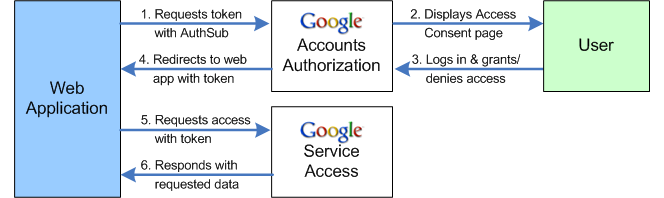
5. Authentication Middleware:
To protect certain routes or controller actions from unauthorized access, you can apply the auth middleware. This middleware checks if the user is authenticated before allowing access to the requested resource.
6. Authorization:
Laravel’s Auth system provides methods to check the user’s authorization for specific actions or resources. You can use methods like can or check to verify if the authenticated user has the required permissions.
7. Logout:
Implement a logout functionality that allows users to log out of their accounts. Laravel provides a built-in logout controller that handles the logout process.
Throughout the authentication process, you can access the authenticated user’s information using the Auth facade or the auth() helper function.
