In this tutorial, I’m going to describe how to use WizBrand Web Page Size Checker Tools. It’s a very easy and simple way to search and you can get the result.
Function of a web-page size checker tool
The main function of a web-page size checker tool is to allow website owners and developers to check the size of their web pages in bytes and Kbs. This tool provides insight into the size of a webpage, which is a crucial factor in website performance and search engine optimization. By using a web-page size checker tool, website owners can monitor the size of their web pages and take necessary steps to reduce the size if it is too large, thereby improving the overall user experience.
Some features of a web page size checker tool may include:
- URL entry: The tool allows users to enter the URL of their website or webpage, which they want to check the size of.
- Size in bytes and Kbs: The tool provides the size of the webpage in both bytes and Kbs, making it easy for users to compare the size of their webpage with the recommended size.
- Recommendation: The tool may also provide recommendations on how to optimize the webpage size if it is too large, such as compressing images, reducing the number of scripts, or removing unnecessary elements.
- Multiple page size checking: Users can check the size of multiple web pages on their website using the tool.
- User-friendly interface: The tool is designed to have a user-friendly interface, making it easy for users to navigate and use the tool without any technical knowledge.
Overall, a web-page size checker tool is a useful tool for website owners and developers to monitor their website’s performance and improve its search engine rankings.
How Use Wizbrand’s web page size checker
To use the Web-page Size Checker tool, go to the website and copy the URL of the webpage you want to check. Paste the URL into the tool and submit it by pressing the button. The tool will then display the size of your webpage in bytes and Kbs.
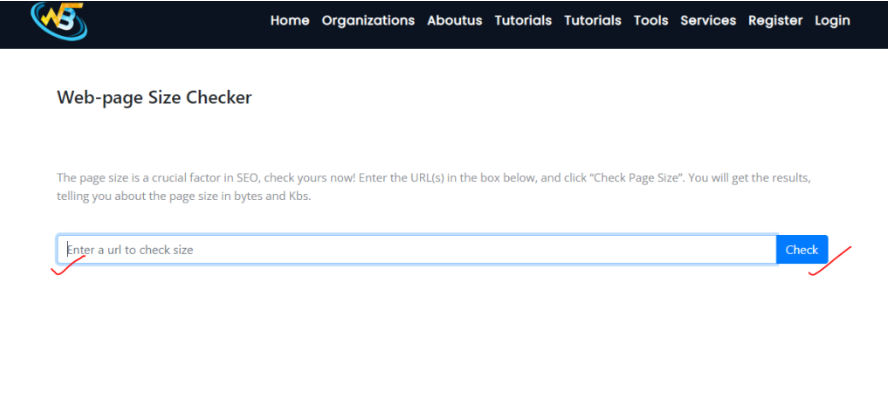
Wizbrand’s Web-page Size Checker tool provides valuable assistance to website developers looking to enhance their website’s performance and search engine optimization. By using this tool, website owners can gain insight into the size of their web pages, which is an important factor in optimizing website performance. By identifying pages with large file sizes, website owners can take the necessary steps to optimize their pages for faster loading times, thereby improving user experience and search engine rankings. Overall, the Wizbrand Web-page Size Checker tool is an effective way for website developers to improve the performance and optimization of their websites.
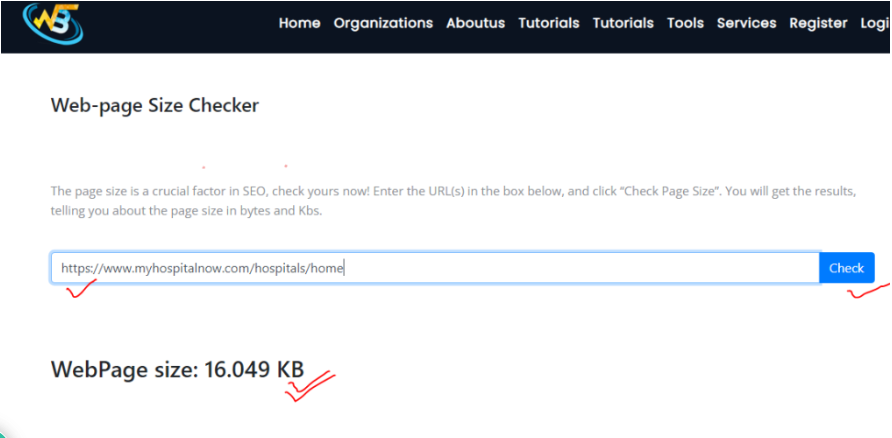
Follow links For Future Use
